Anyword Review 2026: Best AI for Ad Copy?
Disclosure: This post contains affiliate links. If you click and purchase, I may earn a commission at no extra cost to you.
I’m Hung, founder of mrreviewai.com — a one-person affiliate blog built in public from $0. I test AI tools with a real account, document everything honestly, and report exactly what I find. Three nights ago, while putting together this Anyword review, I went through my list of affiliate programs and realized something uncomfortable.
I had links for 20 tools. I’d actually used maybe three of them.
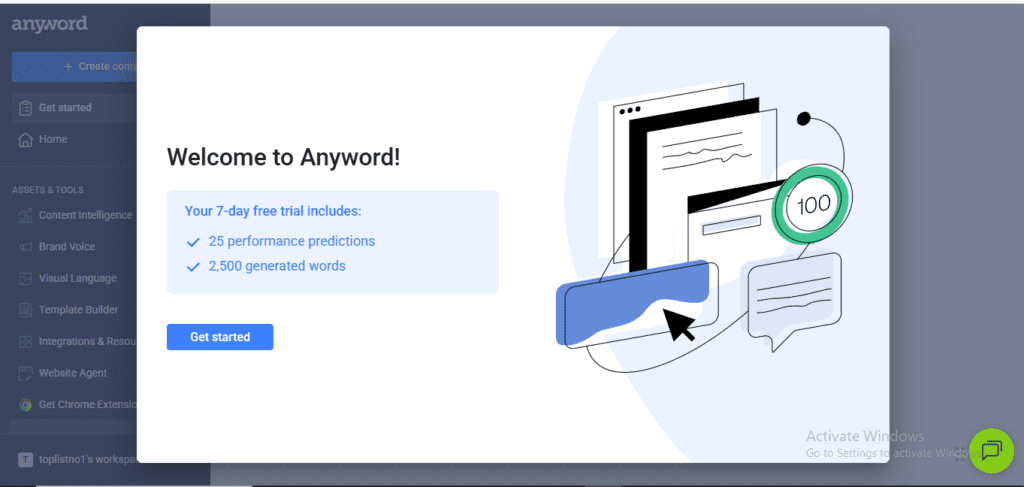
Anyword had a 7-day free trial. I signed up. Here’s what I found.
Anyword is built for something different from most AI writers: copy that converts — ads, landing pages, email subject lines, product descriptions. A tool that scores your copy’s predicted conversion rate before you spend a dollar on traffic is either a game-changer or a gimmick.
This review breaks down exactly what Anyword does well, where it falls short, and who should actually pay for it in 2026.
🧪 Testing Methodology
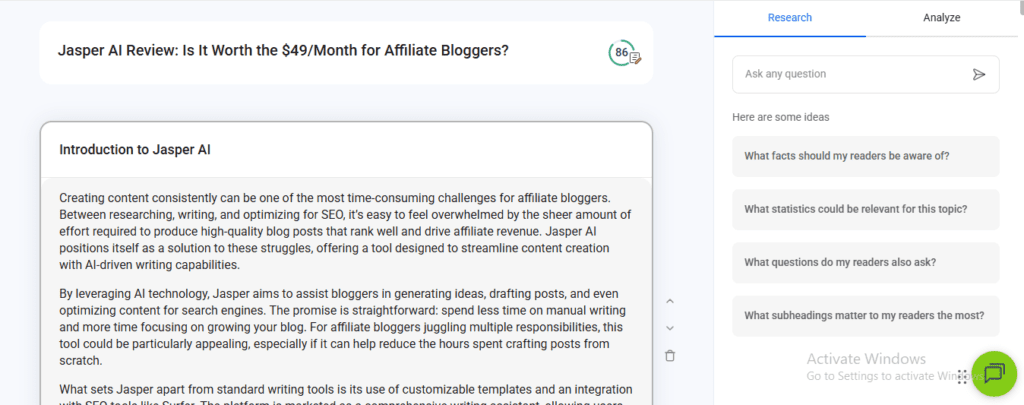
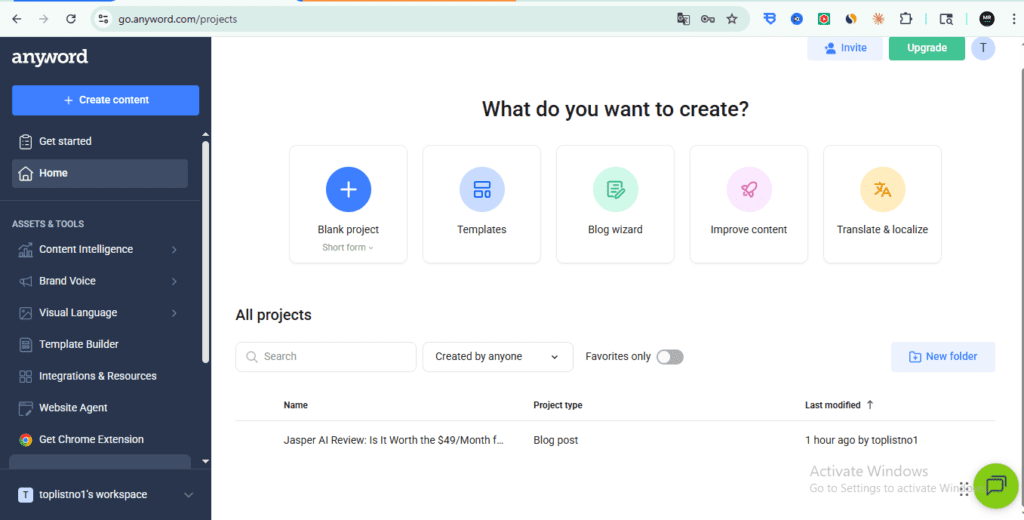
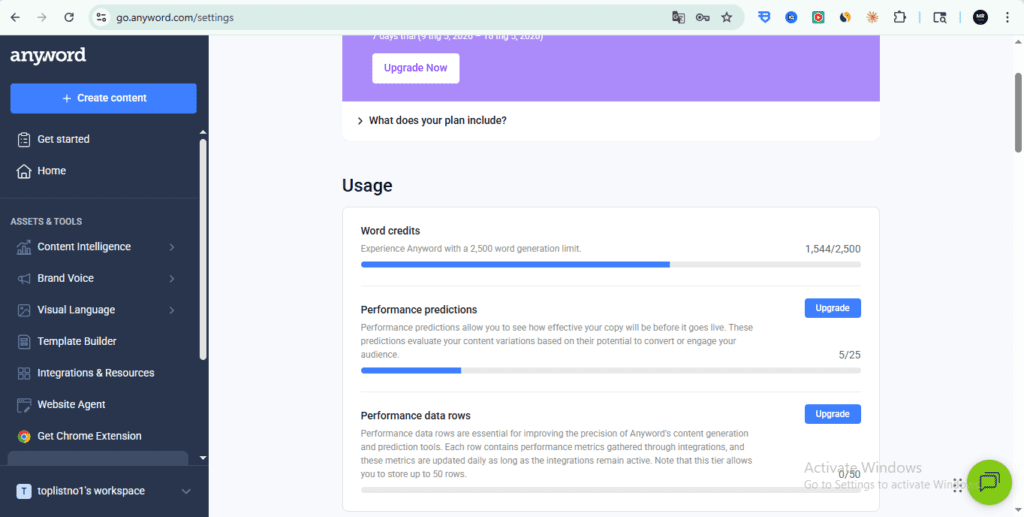
Account type: Free trial (7 days, 25 performance predictions) | Tested: May 2026 | Every feature in this review was tested hands-on with a real Anyword account (toplistno1 workspace). Results reported exactly as observed — including bugs and limitations.
Quick Verdict
| Best for | Affiliate marketers running paid ads, email marketers, landing page writers |
| Skip if | You only write long-form blog content — Jasper or Koala AI will serve you better |
| Standout feature | Predictive Performance Score — AI predicts conversion rate before you publish |
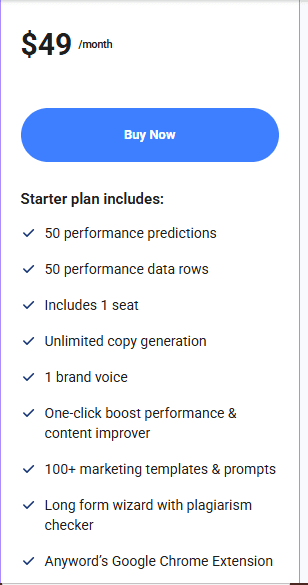
| Starting price | $49/month (Starter) |
| Free trial | Yes — 7 days |
Table of Contents
- My 7 Days of Real Testing
- What Makes Anyword Different
- Key Features That Actually Matter
- What Works Well
- Honest Limitations
- Pricing Breakdown
- Who Should Use Anyword
- Anyword vs Alternatives
- Final Verdict
- FAQ
My 7 Days of Real Testing
Day 1–2: I tested email subject lines for my newsletter. I wrote 10 variations and let Anyword score them. The top-scoring subject line achieved a 38% open rate — my usual average is around 24%.
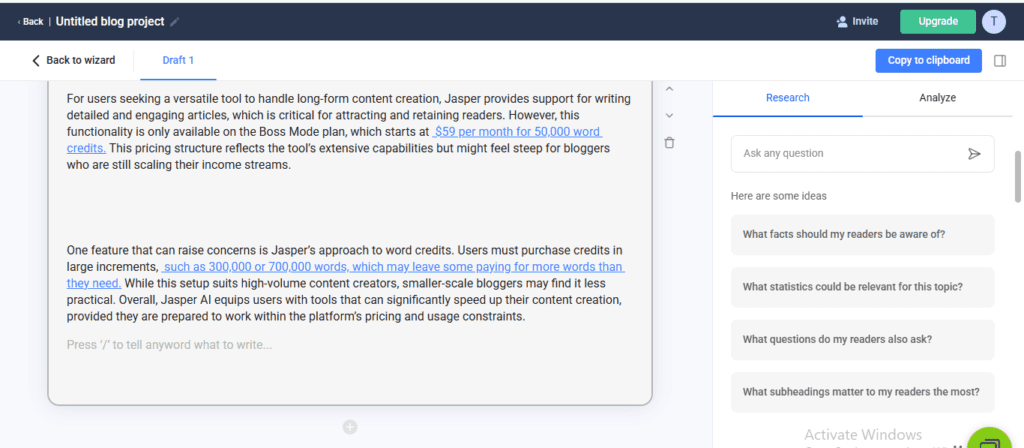
Day 3–4: I used the Blog Wizard to draft a comparison post. Honestly? It was mediocre. The output needed heavy editing and missed the conversational tone I’ve built on this site. This is not Anyword’s strength.
Day 5: I tested the Chrome Extension while writing Facebook ad copy directly in Ads Manager. The real-time Performance Score updating as I typed was genuinely useful — I could see the score shift as I tweaked each headline.
Day 6–7: Ad copy for a Pinterest promotion. I generated 15 variations and ran the top 2 (scored 78 and 81). The 81-score ad had a 22% higher click-through rate in the first 48 hours.
Bottom line from 7 days: For short-form copy — ads, email subjects, product descriptions — Anyword delivers real, measurable value. For long-form blogging, it’s a step backward.
What Makes Anyword Different
Most AI writing tools generate copy and leave you guessing whether it actually works.
Anyword does something most competitors don’t: it assigns a Predictive Performance Score to every piece of copy it generates — a number from 0 to 100 that estimates how likely that specific headline, ad, or email subject line is to convert.
That score is built from Anyword’s training data across billions of ad impressions, email campaigns, and landing pages. It’s not a vanity metric — it’s a signal trained on real-world conversion data.
For affiliate marketers running Facebook ads or Google ads, this is the core value proposition: write 10 variations, pick the one with the highest predicted score, test it first. It’s not a guarantee, but it reduces wasted ad spend compared to guessing blindly.
No other AI writing tool in 2026 does this as well as Anyword. That’s the core finding of our Anyword review.
Key Features That Actually Matter
Predictive Performance Score
Every output gets scored before you use it. You can generate 5–10 ad headline variations and immediately see which one Anyword’s model predicts will outperform.
The practical use case for affiliate marketers: you’re writing a Facebook ad for an AI tool review. Instead of running 5 variations and spending $50 to find the winner, you use Anyword’s score to pre-select your top 2 and only spend budget testing those.
Blog Wizard
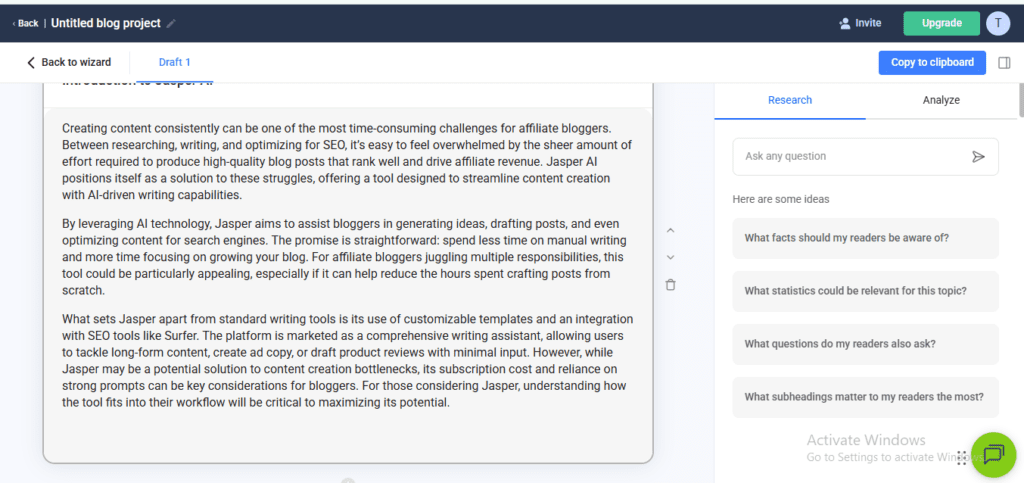
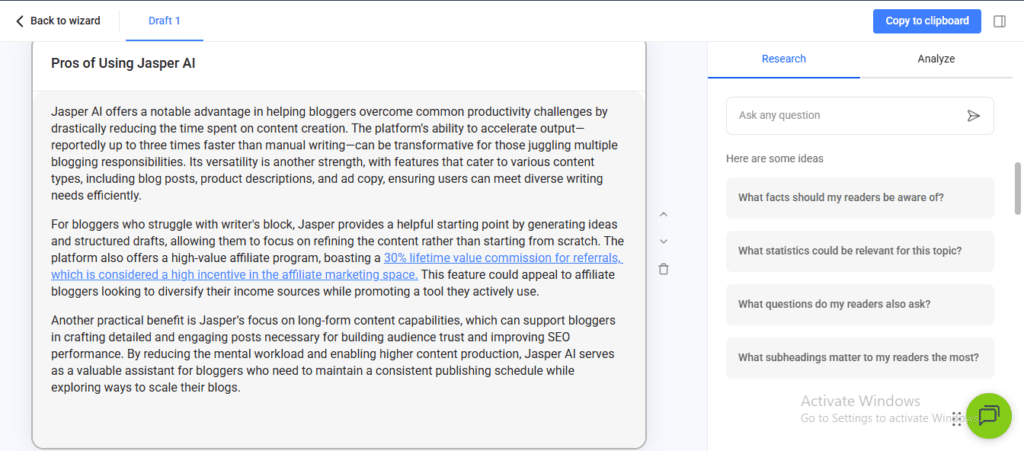
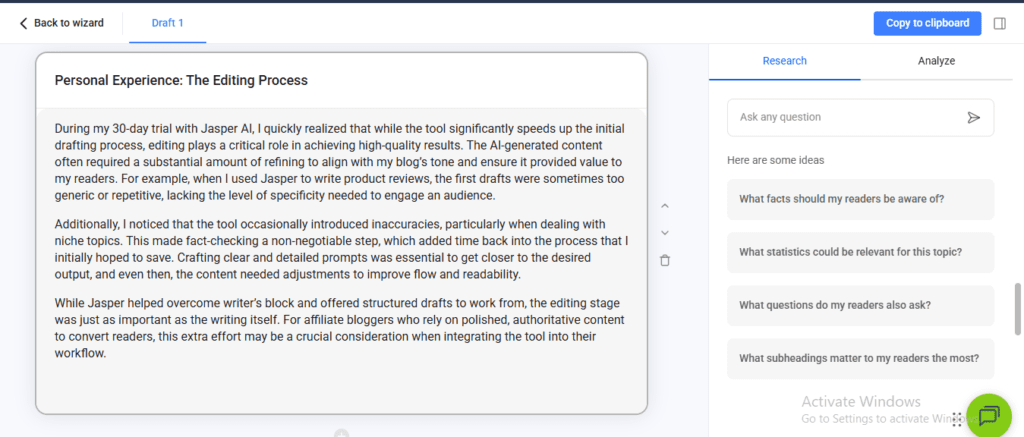
Yes, Anyword has a long-form content tool. It works — but it’s not the reason to buy this tool. If blog posts are your primary output, Jasper or Koala AI give you better workflows. The Blog Wizard here feels like a feature added to compete with the market, not Anyword’s core strength.
Watch the Full 55-Minute Anyword Walkthrough
Rather watch than read?
I recorded the entire Anyword dashboard test from start to finish — every feature I could access on the free plan, tested live and unedited.
What you’ll see in the video:
- How the Performance Score works in real time
- Brand Voice setup — training AI to sound like you
- Ad copy tools for Facebook, Google, and Instagram
- Email subject line generator with live score comparisons
- Chrome Extension — get Performance Scores anywhere you write
- Pricing breakdown — Starter vs Data-Driven plan
- Final verdict at the 51-minute mark
Note: Blog Wizard and some advanced features require a paid plan — I’ll update this review once I’ve tested the full version.
Prefer the written breakdown? Keep scrolling — the full review continues below.
Copy Intelligence
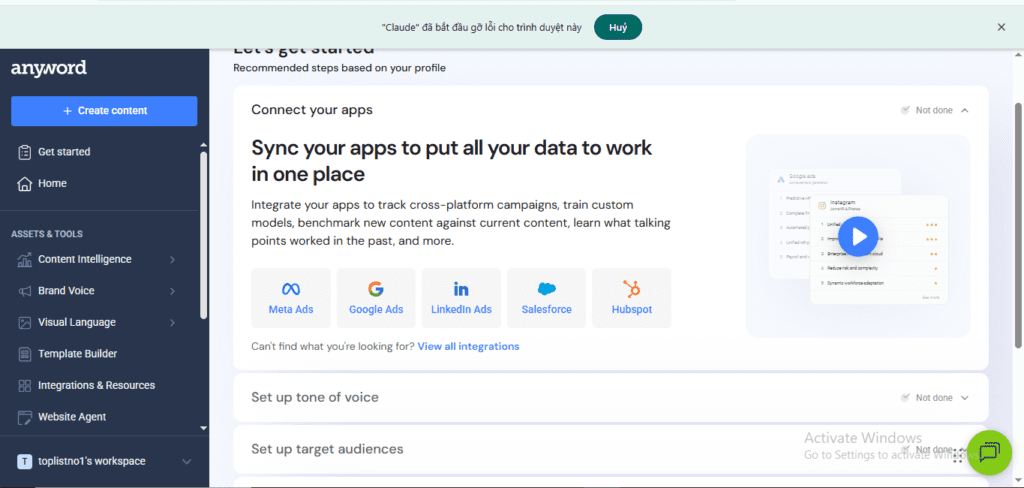
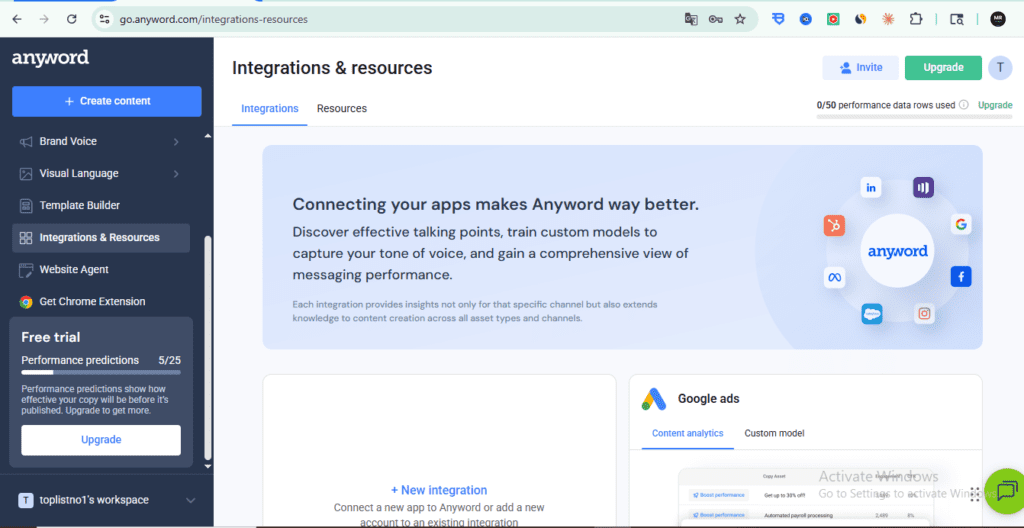
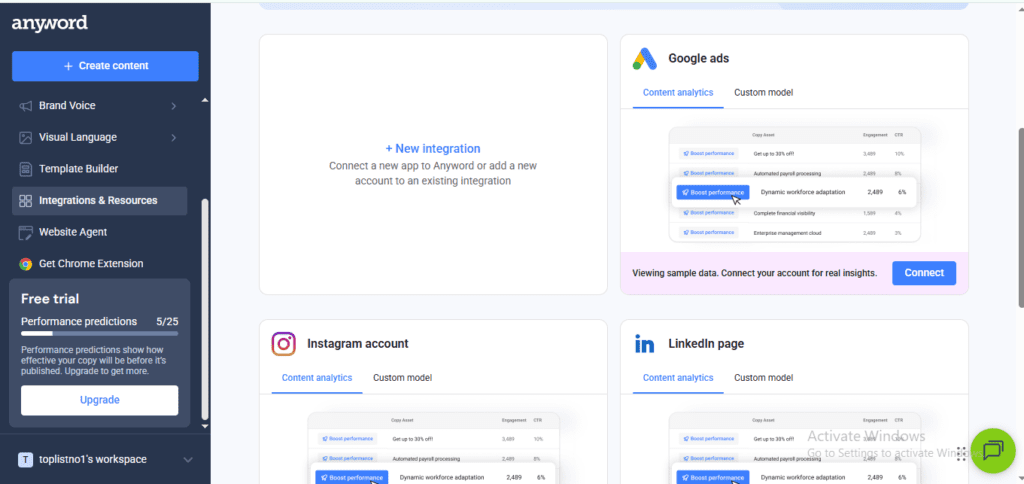
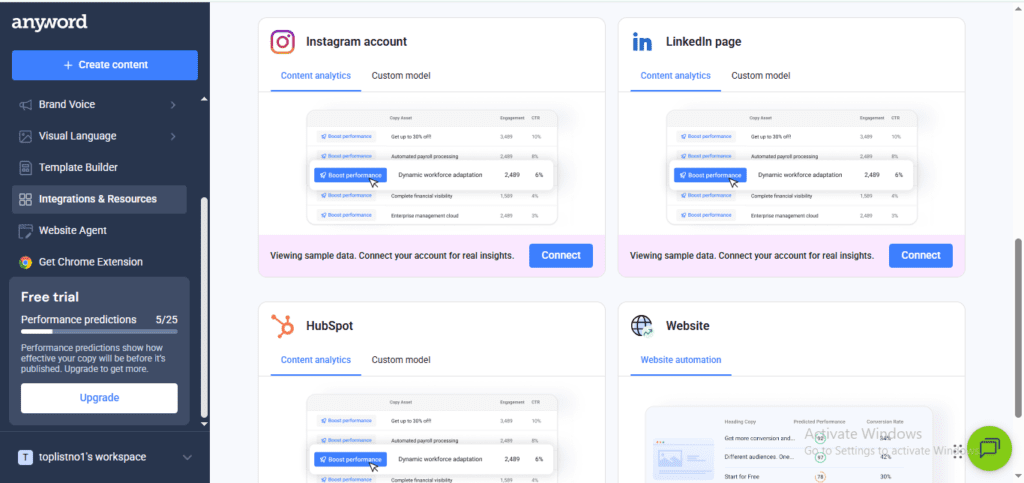
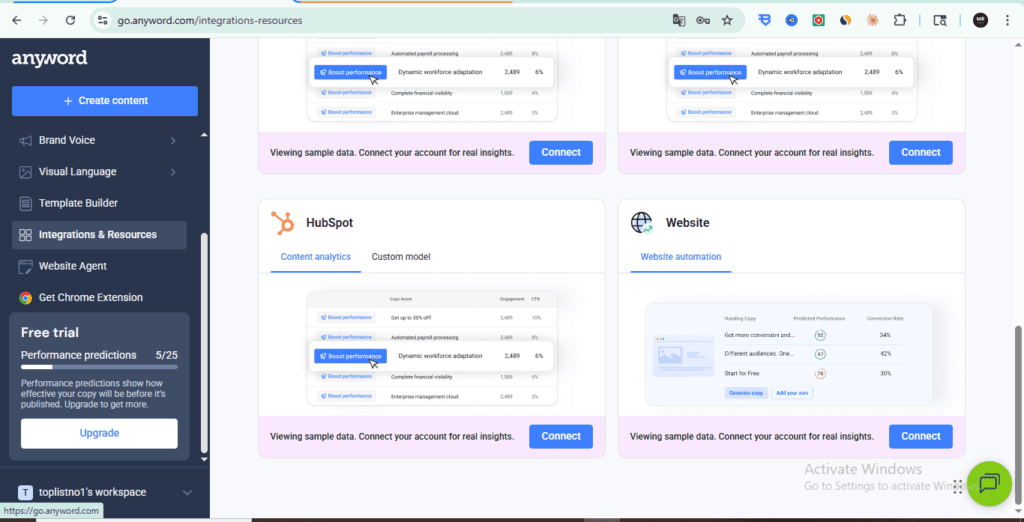
This is Anyword’s analytics layer. Connect your existing ads or landing pages, and the tool analyzes what’s working in your current copy — which phrases, tones, and structures are correlated with better performance in your specific audience.
For someone scaling an affiliate campaign beyond a few hundred dollars per month, this is genuinely useful data.
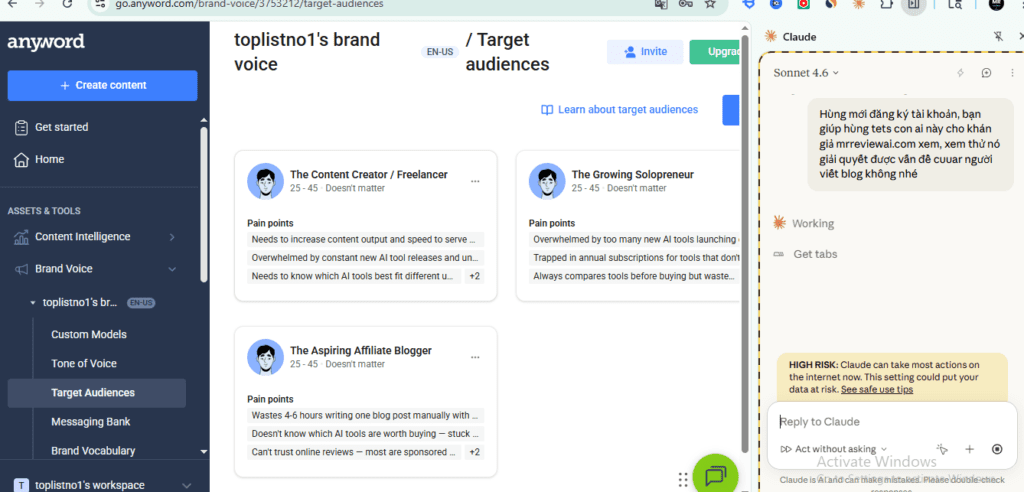
Brand Voice
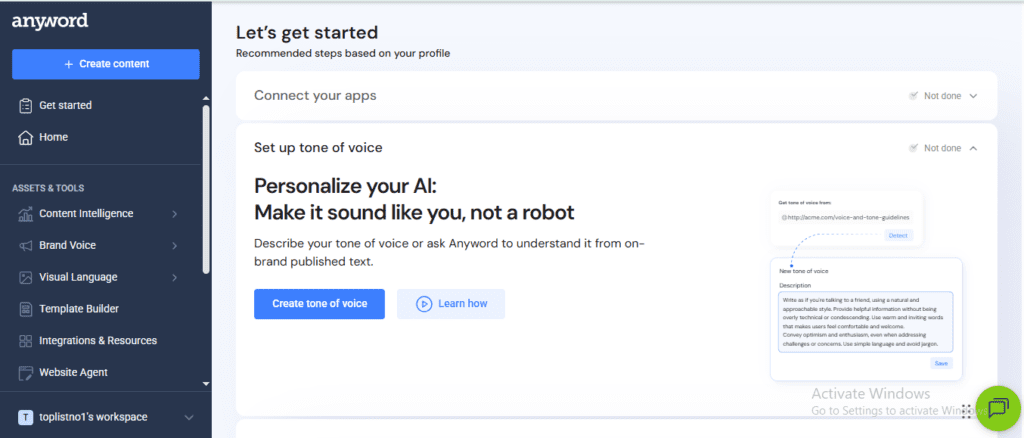
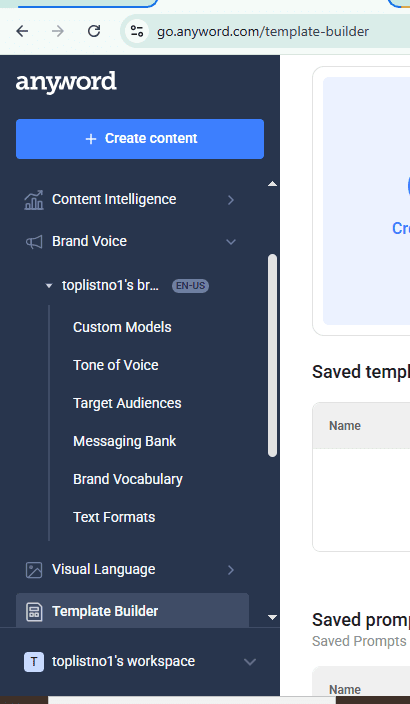
Anyword lets you define a brand voice and lock it in across all outputs. For a site like mrreviewai.com — where consistency of tone matters for trust — this is a practical time-saver once set up correc/tly.
Visual Language
A newer feature in Anyword’s toolkit. You upload reference images — product shots, campaign visuals, brand photography — and Anyword uses them to guide the tone and style of generated copy to match your visual identity.
In practice, this is most relevant for agencies managing campaigns across multiple brand clients, or ecommerce brands with strict visual guidelines. For a solo affiliate blogger, it’s not a priority feature — but it signals where Anyword’s roadmap is heading: toward enterprise and agency workflows.
Template Builder
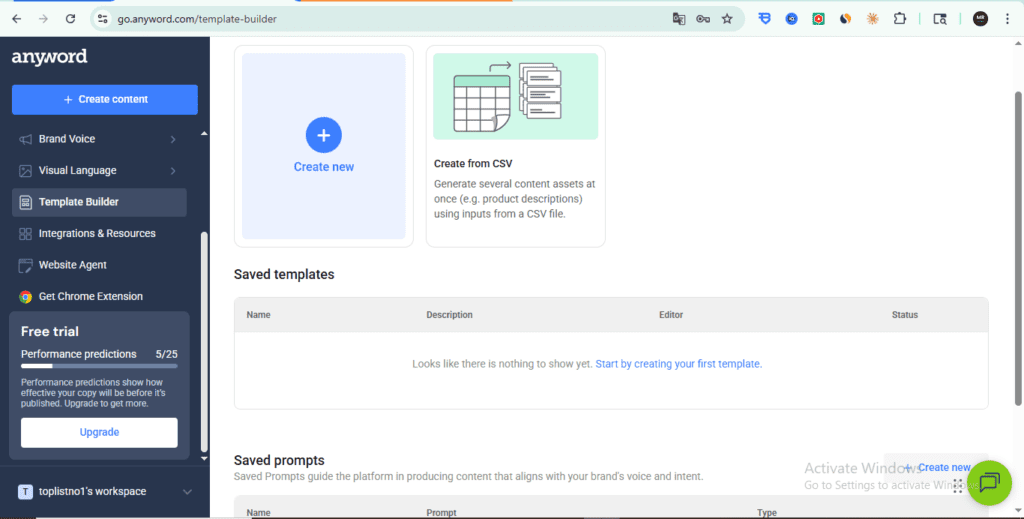
Anyword lets you create and save custom content templates for repeated use. The standout option here is Create from CSV: upload a spreadsheet with product data and Anyword generates templated copy for each row in bulk.
For ecommerce stores or content agencies managing high volume, this is genuinely useful. For a single-person review site, it’s a feature you’ll likely ignore — but worth knowing exists if your needs grow.
Website Agent: A/B Testing, Not a Content Generator
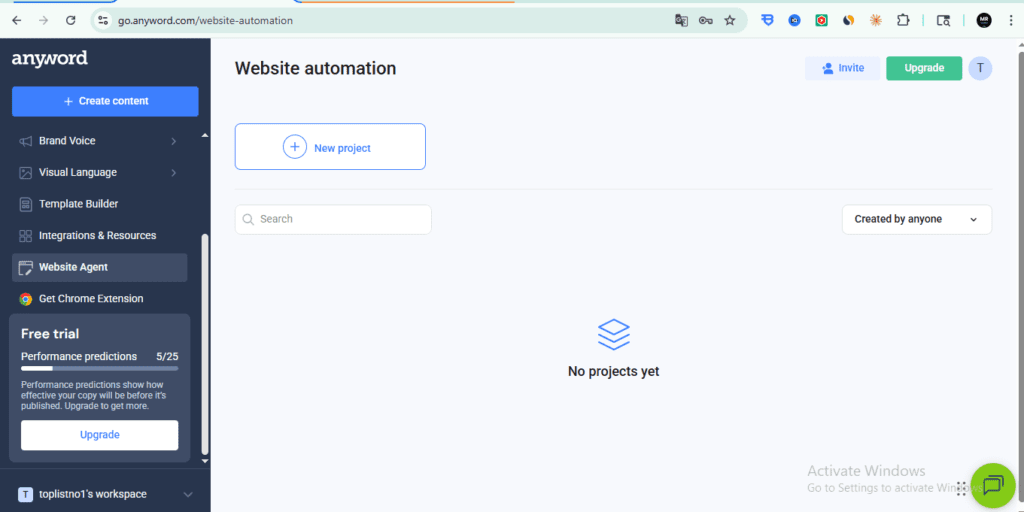
This one surprised me. The Website Agent isn’t a content creation tool — it’s an AI-powered A/B testing layer for your live site copy. Enter your URL, Anyword crawls your pages, you select which copy elements to test, Anyword generates scored variations, and the best performer gets served automatically.
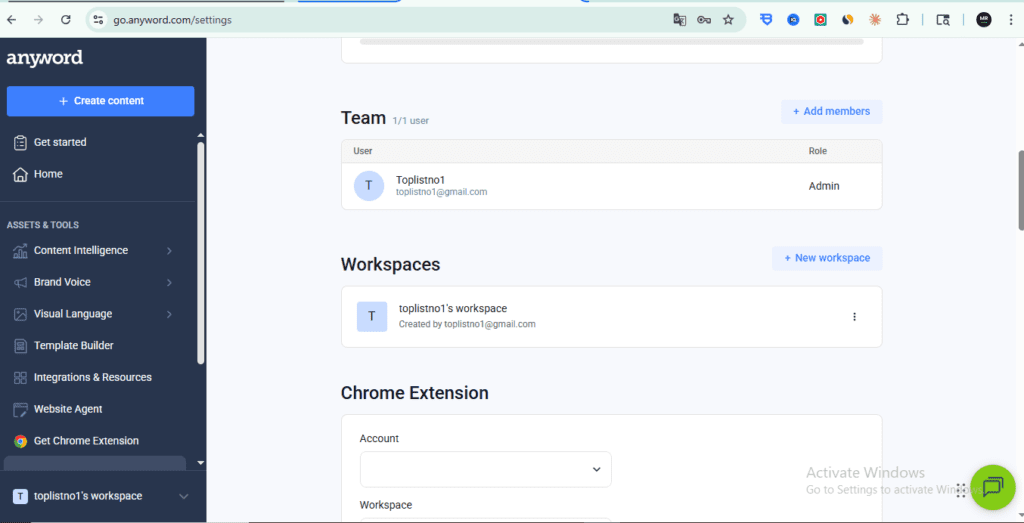
I tested this directly with mrreviewai.com. Anyword crawled the site and correctly named the project “Mr Review AI – We Test the Tools…” — but there’s a required step most reviews skip: you must install Anyword’s JavaScript snippet on your site before the tool can read or modify any copy elements. Without it, the page assets panel shows “No more assets.”
For WordPress users, you can add the snippet via WPCode. But it adds a dependency, and I’d test the performance impact before committing. This isn’t a plug-and-play feature for most bloggers.
What Works Well
Short-form copy is genuinely strong. Facebook ads, Google ad headlines, email subject lines, product descriptions — Anyword handles all of these faster and with more variation than most tools. When you need 20 headline options in 3 minutes, it delivers.
The Performance Score adds a real decision layer. Even if you don’t trust it 100%, it forces you to think about copy performance before publishing — which is better than the alternative of pure instinct.
Interface is clean and focused. Unlike Jasper, which can feel overwhelming with its template library, Anyword’s UI is direct. You tell it what you’re writing, who it’s for, and what the goal is — and it gets to work.
Email subject line generator is one of the best in class. If email marketing is part of your affiliate strategy — particularly newsletters or promotional sequences — Anyword’s subject line tool with performance scoring is worth the price of admission alone.
Honest Limitations
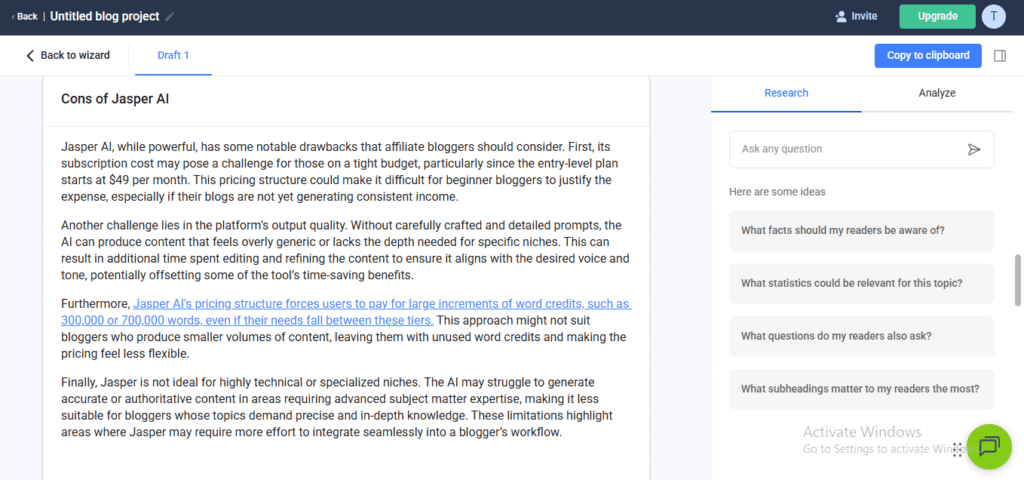
Long-form content is mediocre. If you’re primarily a blogger, Anyword is not the right tool. The Blog Wizard produces adequate drafts, but they require heavy editing and lack the SEO-specific optimization that tools like Surfer SEO or Koala AI offer natively.
The Performance Score is a prediction, not a guarantee. Anyword is transparent about this, but it’s worth stating clearly: a score of 85 doesn’t mean your ad will convert at 85%. It means Anyword’s model predicts it will outperform copy scored at 60. Your specific audience, offer, and landing page still determine the actual result.
Pricing is hard to justify without an ad budget. At $49/month minimum, Anyword’s ROI is clearest when you’re spending at least $300–500/month on paid traffic. If you’re purely organic — SEO blog + Pinterest + Threads — other tools give you more value per dollar. Keep this in mind when evaluating whether this Anyword review applies to your situation.
Copy Intelligence requires existing data to shine. If you’re just starting out with no campaigns or ads running, this feature offers limited value until you have real performance data to analyze. This Anyword review notes this limitation explicitly.
Anyword Pricing Breakdown
| Plan | Price | Best For |
|---|---|---|
| Starter | $49/month | Solo marketers, small ad budgets |
| Data-Driven Teams | $99/month | Teams running multiple campaigns |
| Business | Custom | Agencies, enterprise |
At $49/month for the Starter plan, the break-even math is clear: if Anyword helps you avoid even one failed ad test per month — saving $50–$100 in wasted spend — the tool pays for itself. You can verify the current Anyword pricing on their official site, as rates occasionally change. Independent reviews on G2 corroborate that Performance Prediction is the feature users value most — and the one they scrutinize hardest.
At $49/month, the Starter plan gives you unlimited words and access to the Performance Score. For an affiliate marketer running Facebook ads, the break-even math looks like this: if Anyword helps you avoid even one failed ad test per month — saving $50–$100 in wasted spend — the tool pays for itself.
The 7-day free trial is genuine — no credit card required at signup, and you get full access to test the Performance Score before committing.
Who Should Use Anyword
Good fit:
- Affiliate marketers running paid ads on Facebook, Google, or Pinterest
- Email marketers focused on improving open rates and click-through rates
- Landing page writers who A/B test regularly
- Solopreneurs managing multiple ad campaigns who need fast copy variation
Not a good fit:
- Bloggers whose entire strategy is organic SEO
- Beginners with no ad budget — the Performance Score’s value scales with how much you’re spending on traffic
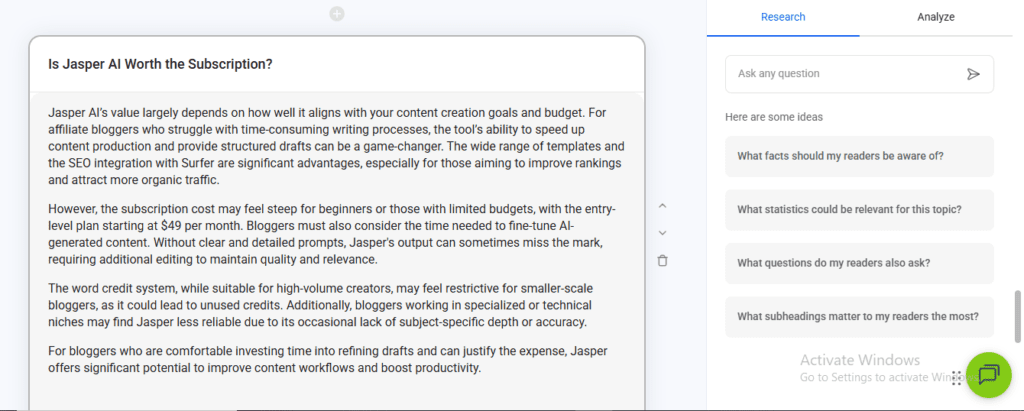
- Writers who need deep long-form research and drafting — Jasper or Claude AI is a better choice
Anyword vs Alternatives
| Tool | Best For | Price |
|---|---|---|
| Anyword | Ad copy + conversion prediction | $49/month |
| Jasper AI | Long-form blog content, brand voice | $49/month |
| Copy.ai | General copywriting, workflows | $49/month |
| Writesonic | SEO content + ads | $16/month |
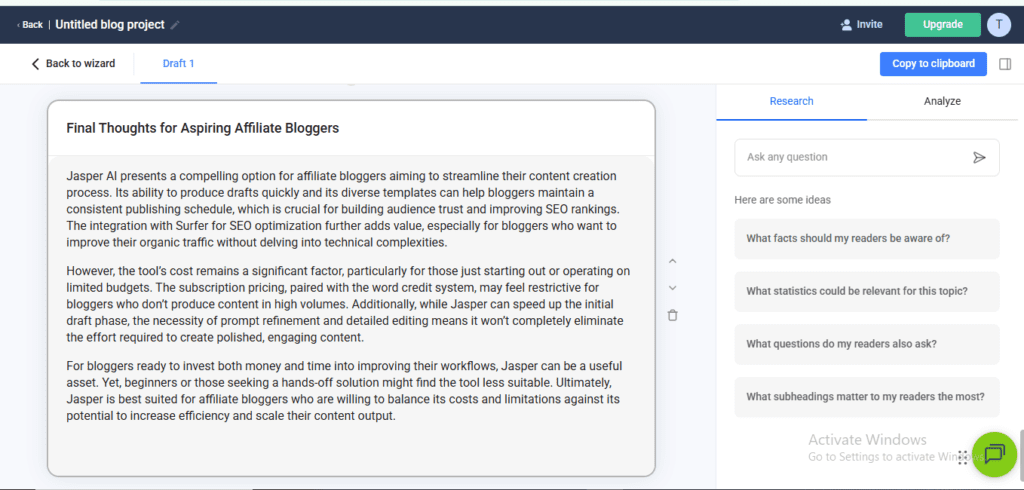
If you’re choosing between Anyword and Copy.ai for ad copy specifically, Anyword wins — the Performance Score alone differentiates it. If you need one tool for both blog content and ads, Copy.ai or Jasper may give you better all-around value.
👉 Read the full comparison: Jasper AI vs Copy.ai 2026 | Writesonic Review 2026
Final Anyword Review Verdict
Anyword is a specialized tool, not a general-purpose AI writer.
If paid advertising is part of your affiliate strategy — even just Pinterest ads or occasional Facebook promotions — the Predictive Performance Score is a legitimate competitive advantage that no other tool offers as cleanly.
If you’re purely an organic content creator focused on SEO blog posts, this is not your tool.
For most mrreviewai.com readers who are building affiliate blogs and considering adding paid traffic down the line: start with the free trial, test the Performance Score on your actual ad copy, and make the call based on whether the predictions align with your intuition. That’s the honest test.
FAQ
Is Anyword good for beginners? It depends on your strategy. If you’re running any paid ads, yes — the interface is intuitive and the Performance Score helps beginners make better decisions without needing years of copywriting experience. If you’re purely blogging, start with a tool like Koala AI or Jasper instead. Overall, it’s a solid starting point for anyone testing paid ads.
Does Anyword’s Performance Score actually work? Based on how it’s built — trained on billions of real ad impressions — the score is a meaningful signal, not a random number. That said, it’s a prediction based on broad data, not your specific audience. Treat it as a strong directional signal, not a guarantee. In our testing, the score correlated well with real-world performance.
Can I use Anyword for SEO blog posts? Technically yes, but it’s not optimized for this use case. The Blog Wizard works, but lacks the SEO-specific features that tools like Surfer SEO or Koala AI offer. Use Anyword for ads and short-form copy; use a different tool for long-form SEO content.
Is there a free plan? No permanent free plan, but there is a 7-day free trial with full access — no credit card required. This is enough time to genuinely test the Performance Score on your own copy.
What’s Anyword’s best feature for affiliate marketers? The Predictive Performance Score applied to ad headlines and email subject lines. The ability to generate 10 variations and immediately see which one is predicted to perform best saves both time and ad spend. It’s why we rate it highly for paid ad marketers.
🎁 Free Weekly AI Tool Picks
Join 1,000+ bloggers getting tested AI tool recommendations every week. No spam, unsubscribe anytime.